- About OzVolt
- Residential
- C & I
- Centralised
-
Products
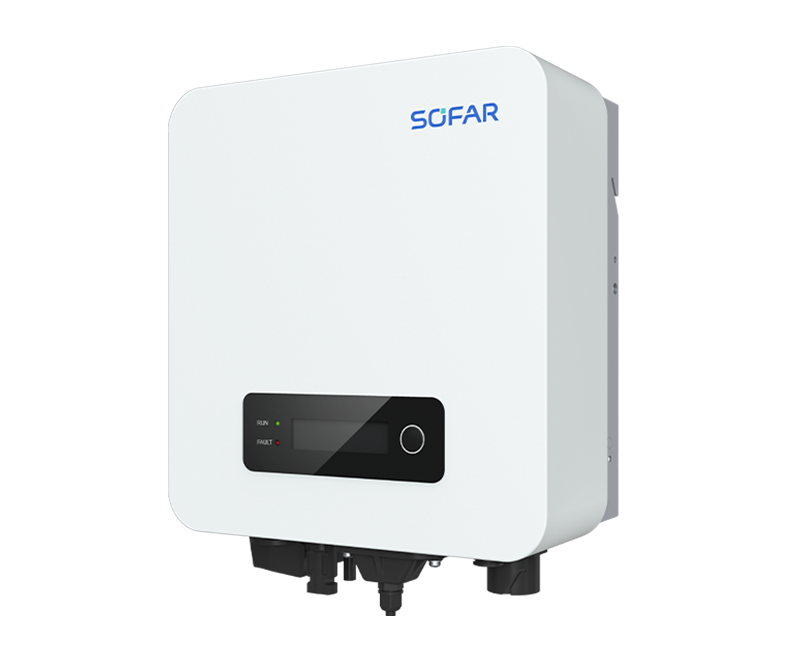
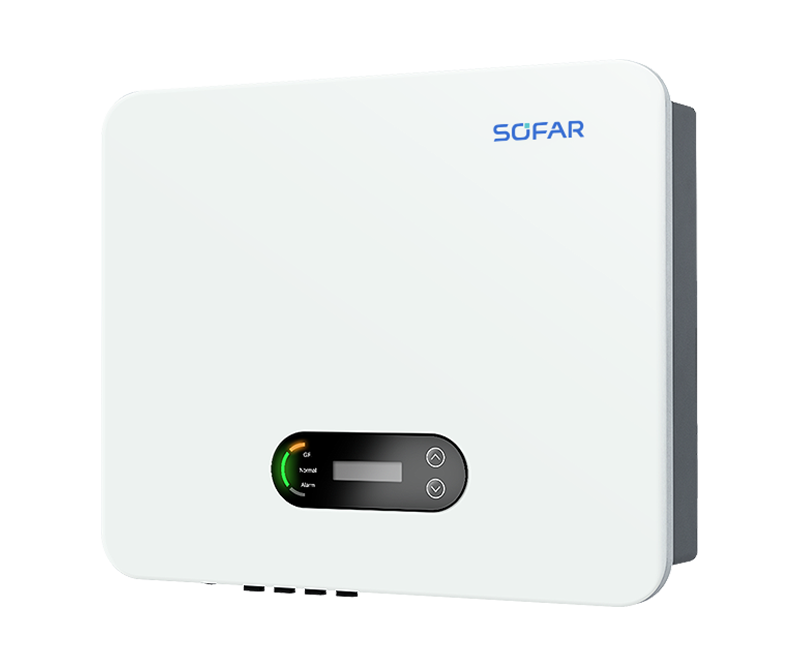
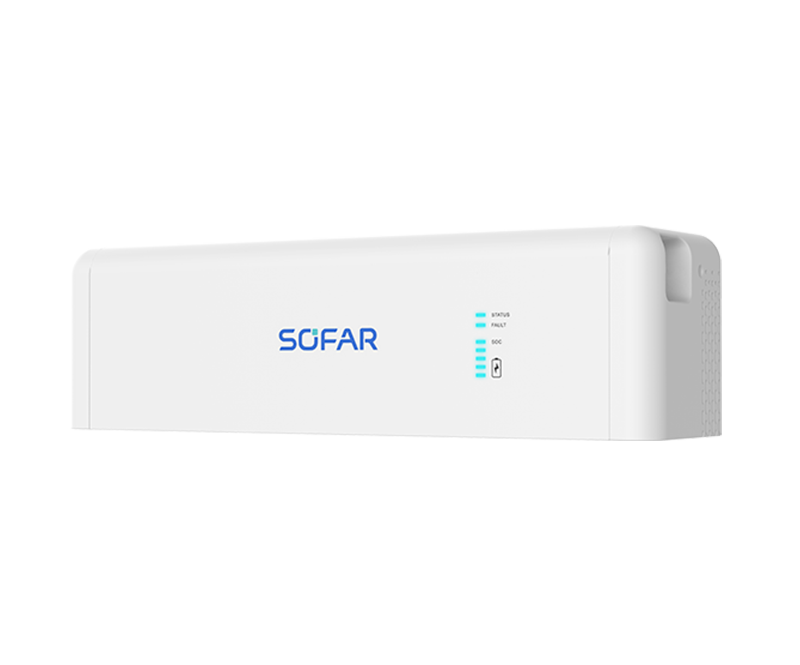
 PowerAll (Single-phase)
3 / 3.68 / 4 / 4.6 / 5 / 6 kW; 5 / 10 / 15 / 20 / 25 / 30 kWh; Single-phase, Dual MPPT; Max. PV input current 16A
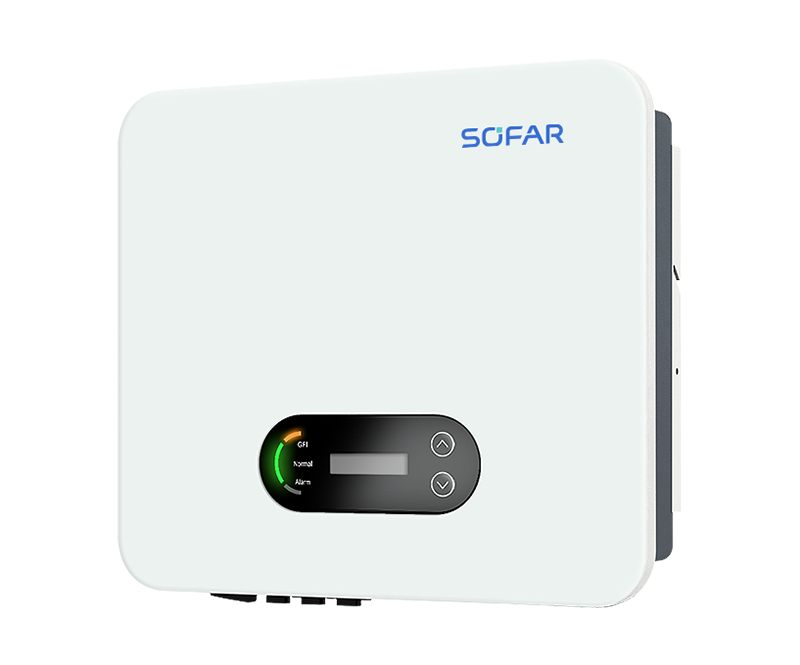
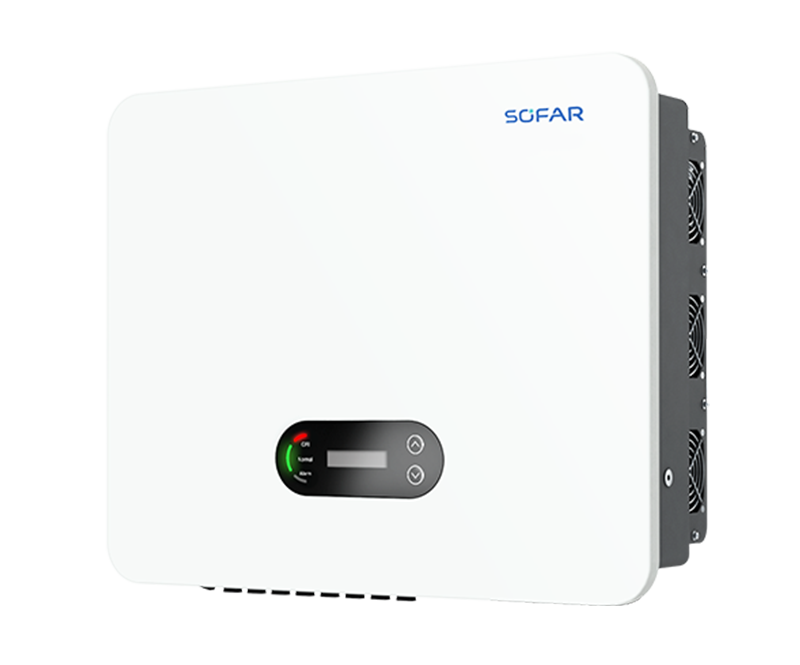
 PowerAll (Three-phase)
5 / 6.5 / 8 / 9.9 / 10 / 12 KW; 5 / 10 / 15 / 20 / 25 / 30 kWh; Three-phase, three MPPT; Max. PV input current 20A
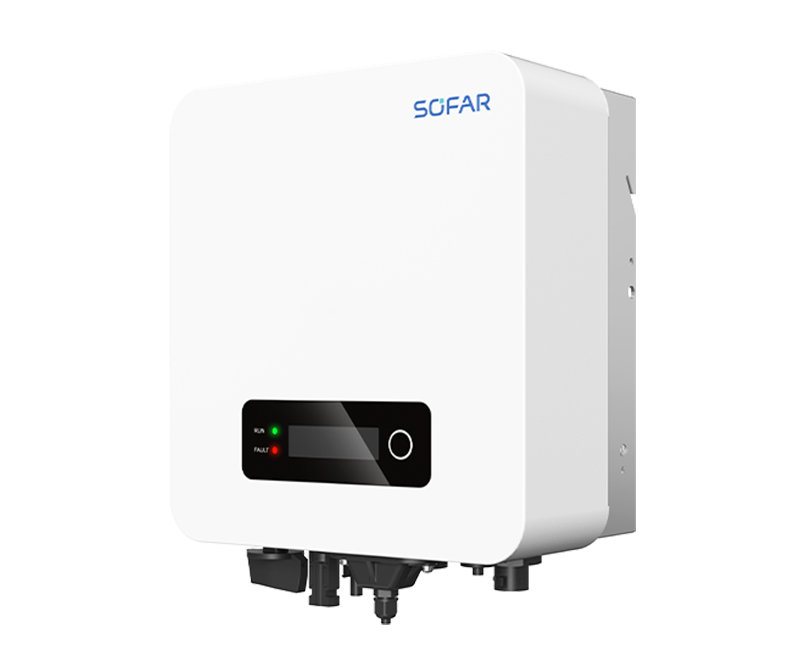
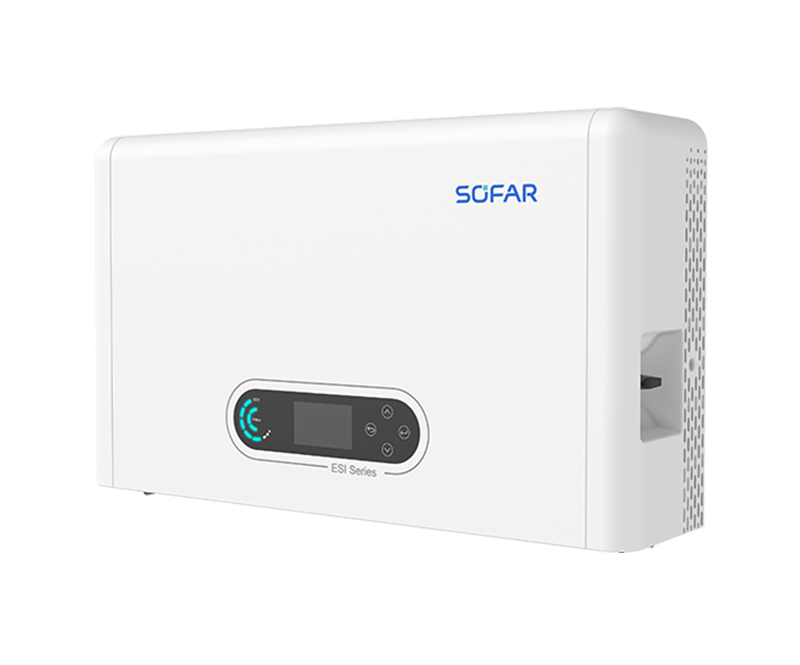 ESI 3-6K-S1
3 / 3.68 / 4 / 4.6 / 5 / 6 kW; 5 / 10 / 15 / 20 / 25 / 30 kWh; Single-phase, Dual MPPT; Max. PV input current 16A
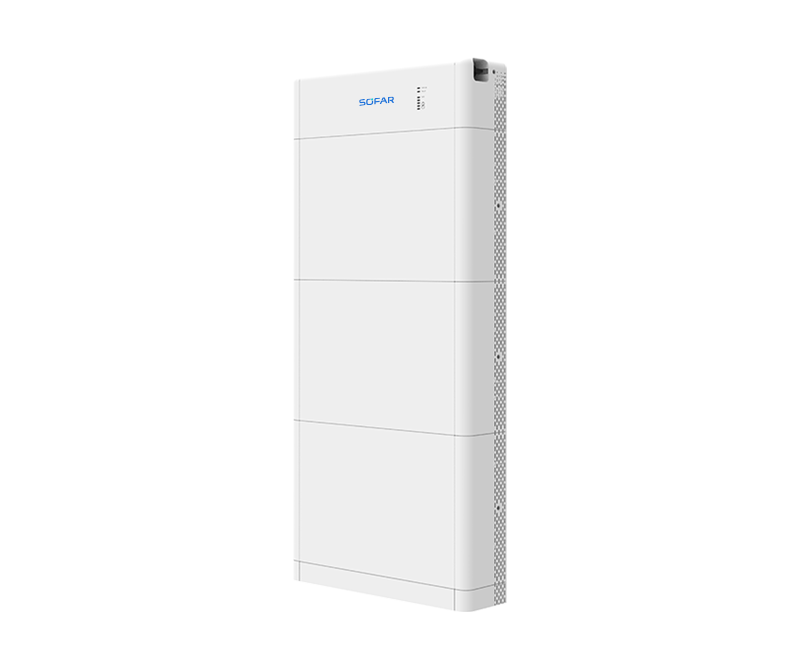
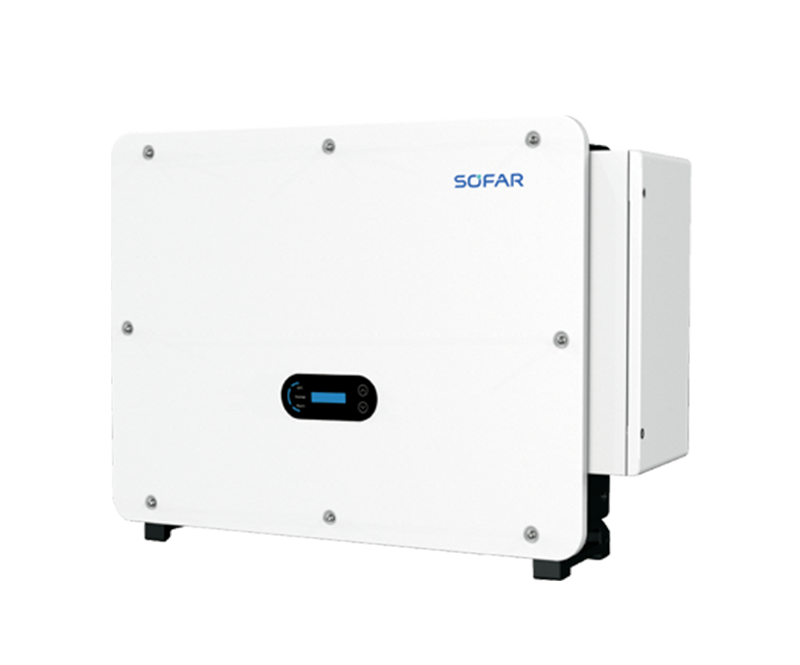
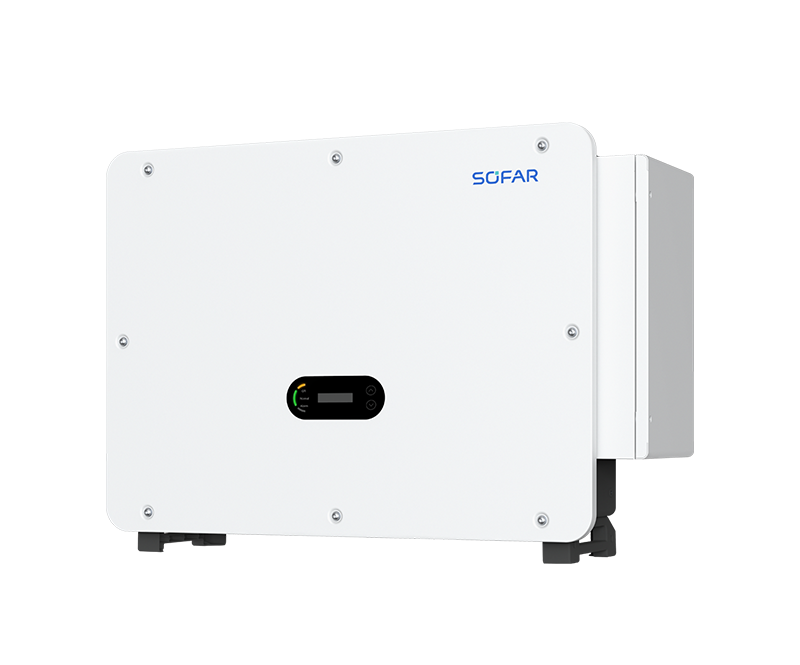
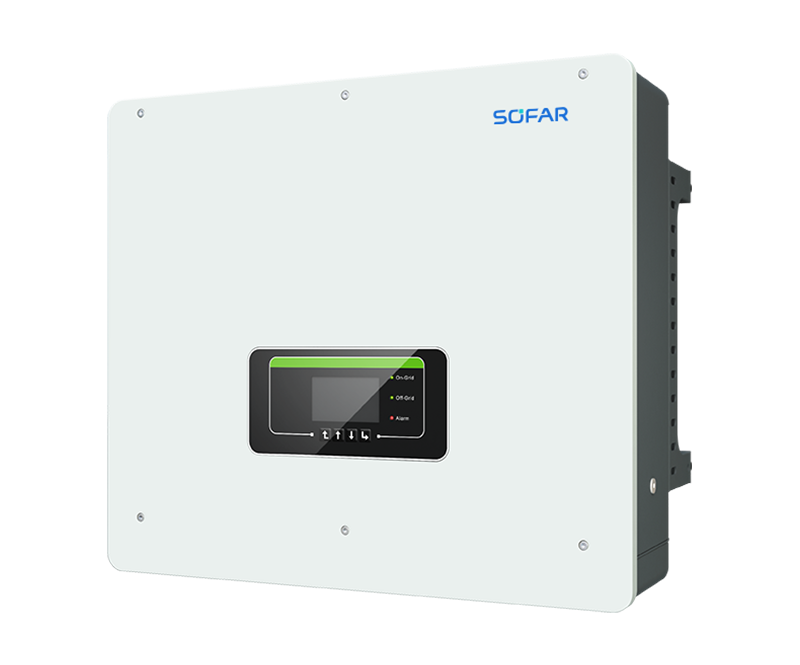 HYD 5-20KTL-3PH
5 / 6 / 8 / 10 / 15 / 20 kW; Three-phase, Dual MPPT; Max. charging and discharging current: 50A
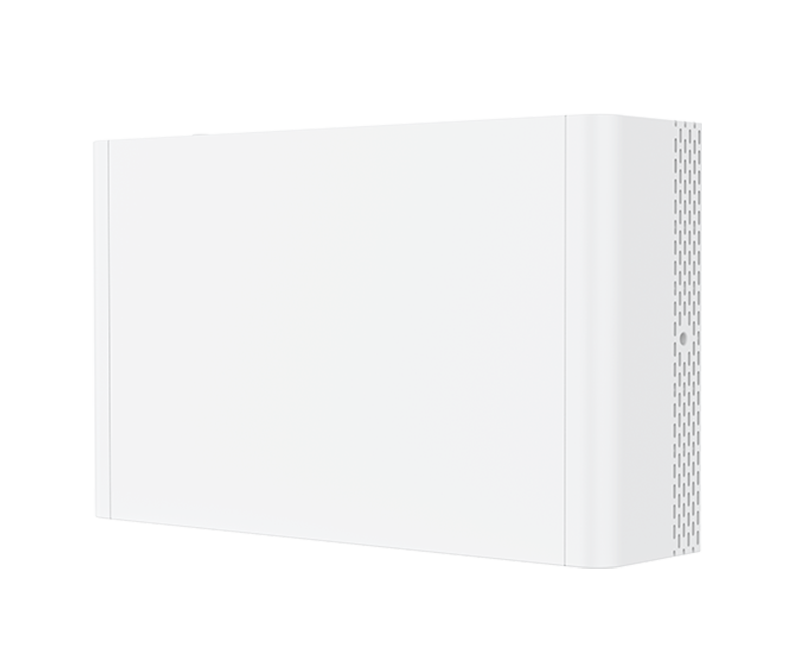
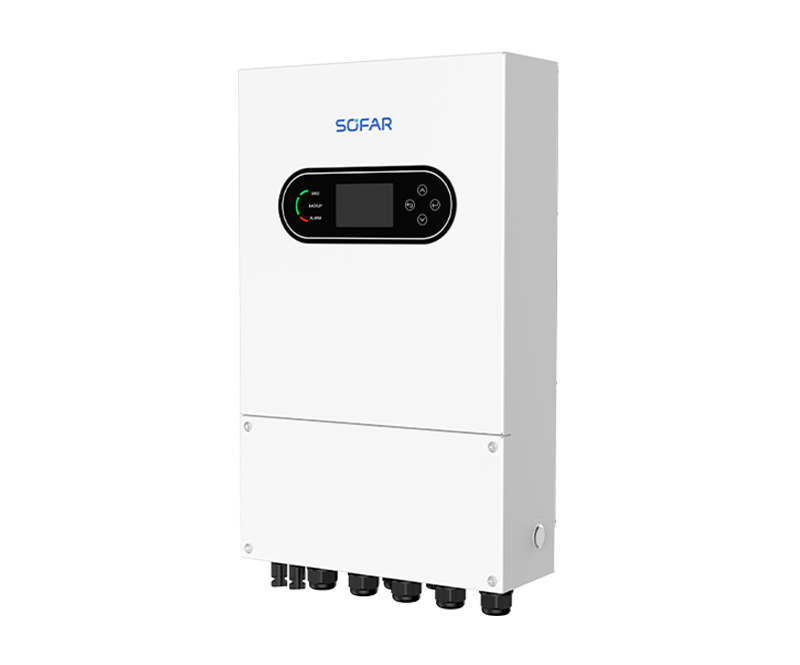 HYD-3-8K-LS1-PRO
3 / 3.6 / 4 / 4.6 / 5 / 6 / 7 / 7.6 / 8 kW; Single-phase, dual MPPT; Max. 32A DC input current; Work with Low-voltage Battery 40-60V
 HYD-10K-LS1
10 kW; Single-phase, dual MPPT; Max. 40A DC input current; Work with Low-voltage Battery 40-60V
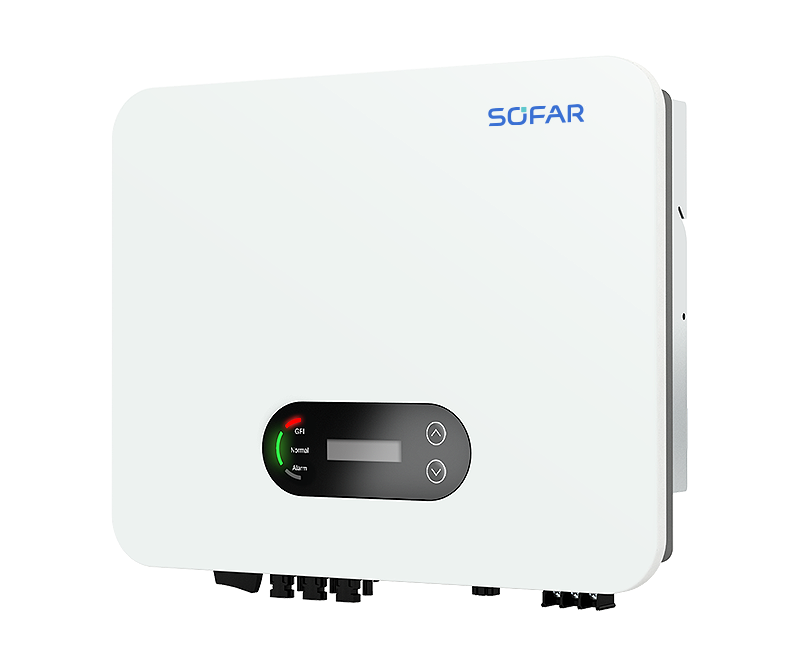
 ESI-5-12K-T1
5 / 6.5 / 8 / 9.9 / 10 / 12 KW; 5 / 10 / 15 / 20 / 25 / 30 kWh; Three-phase, three MPPT; Max. PV input current 20A
- Co-brand
- News
- Service









EN