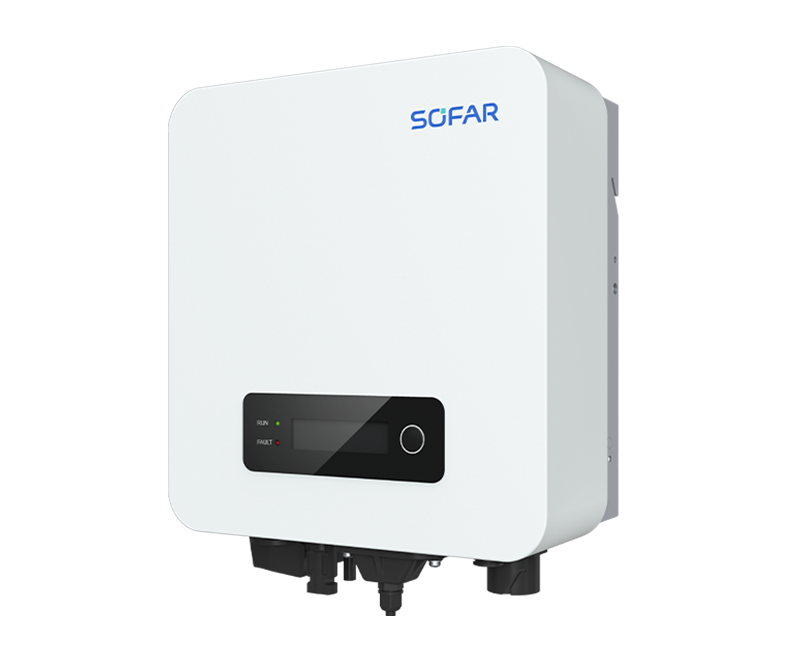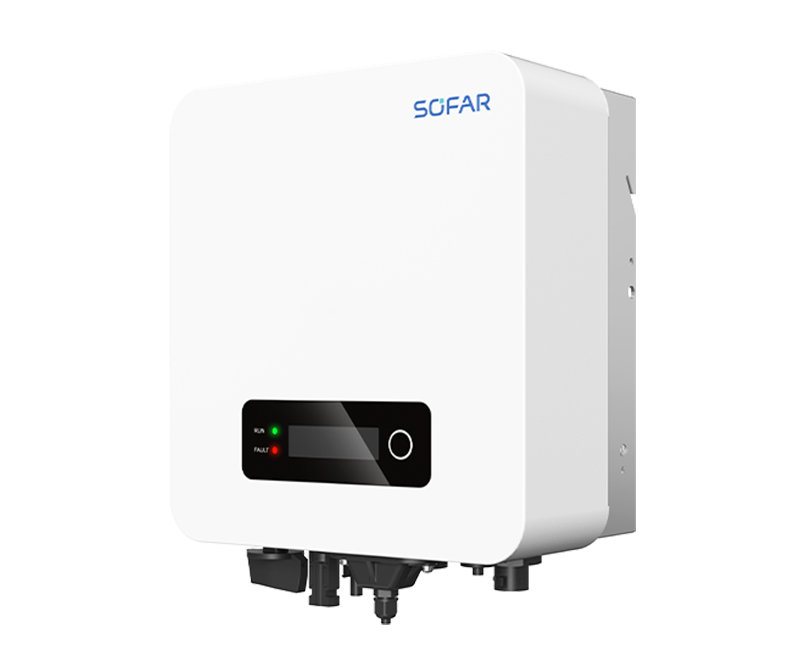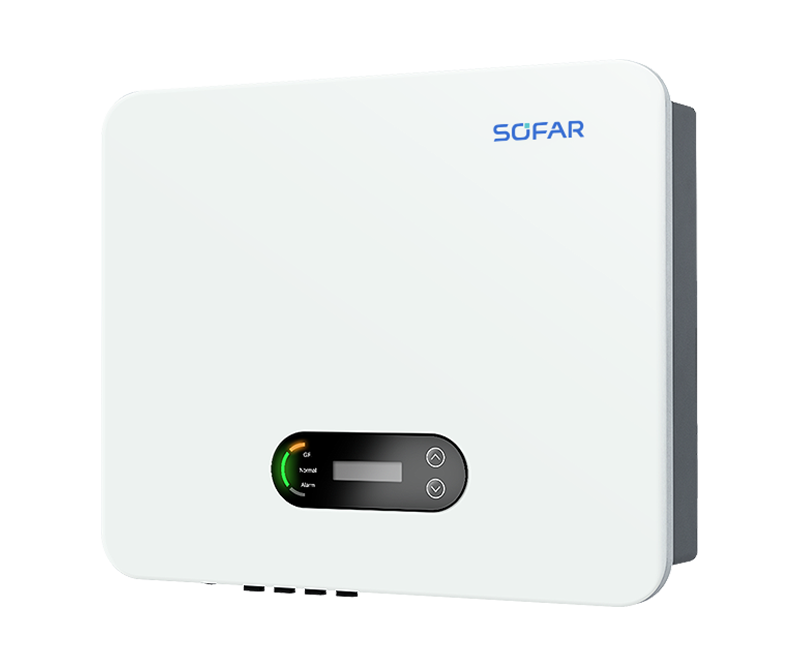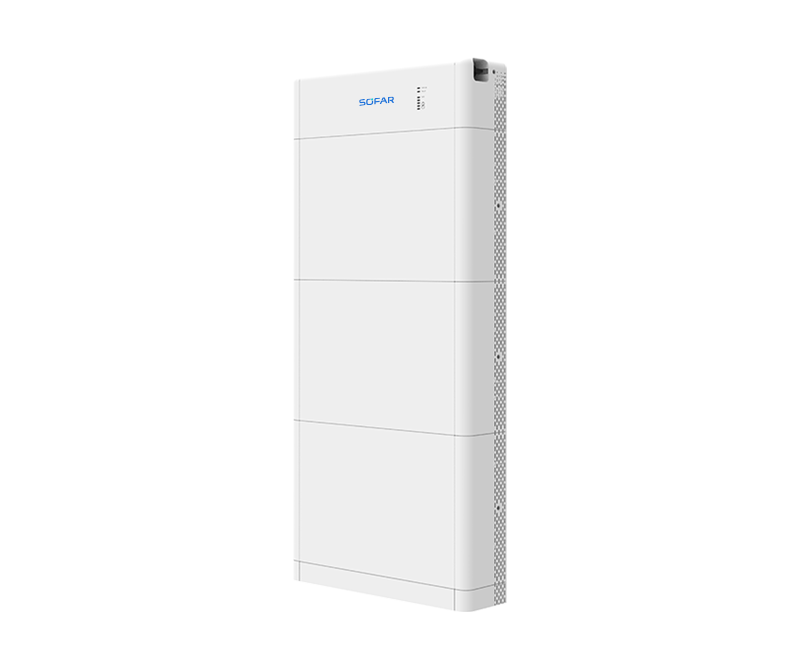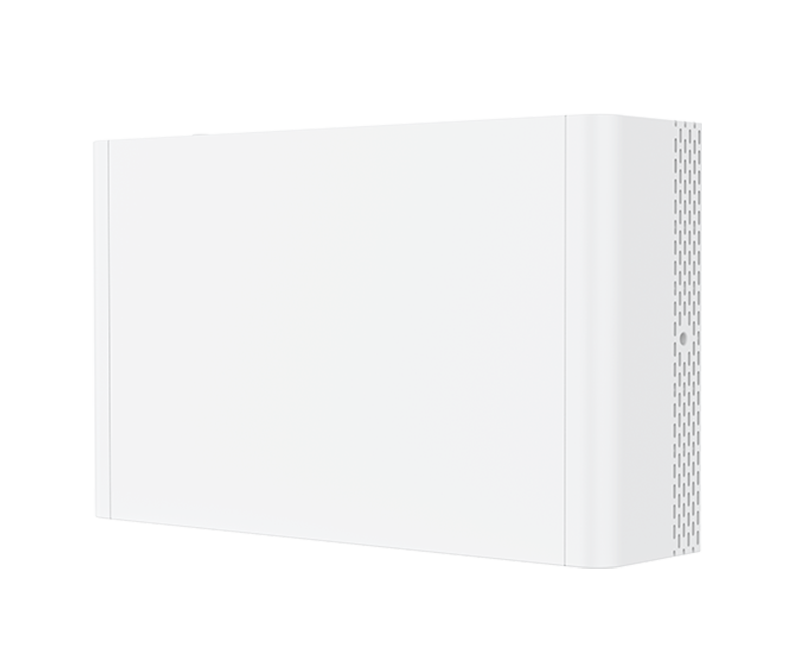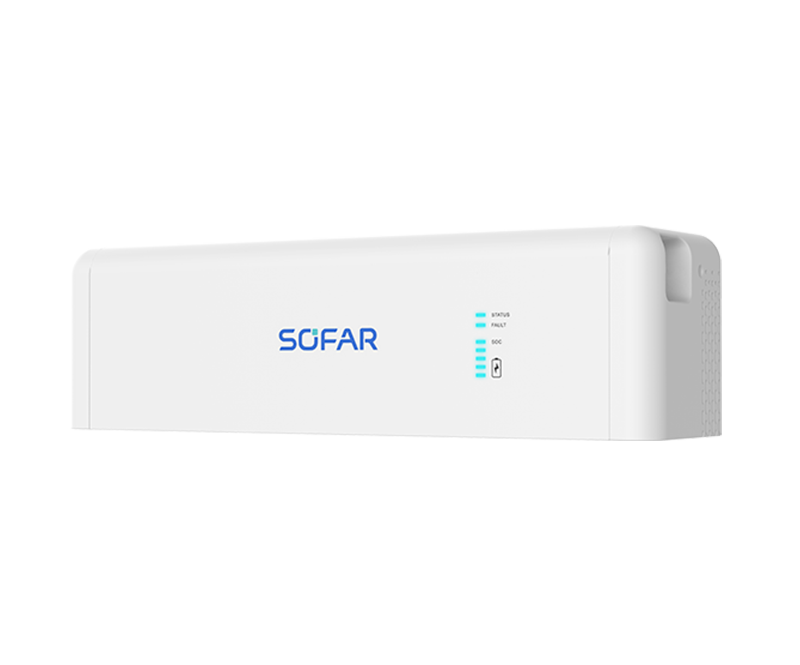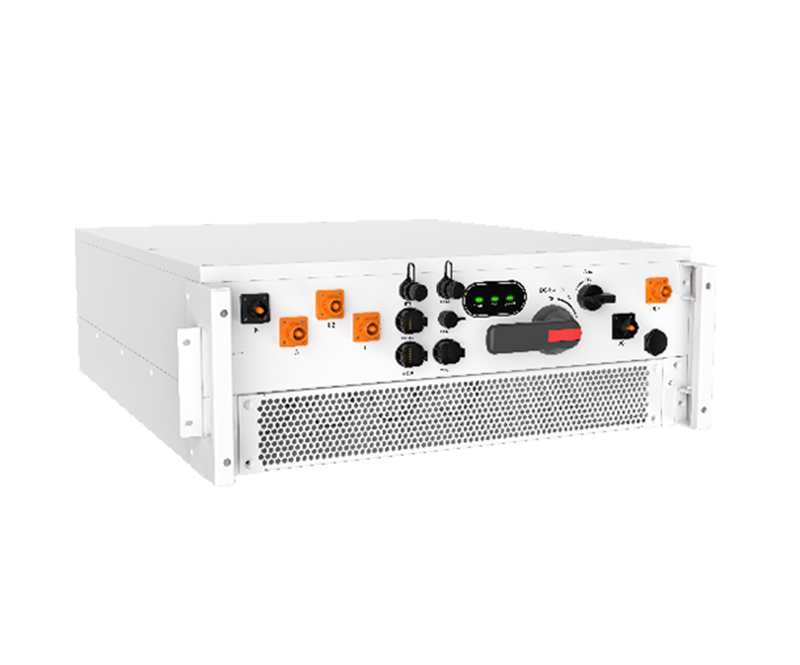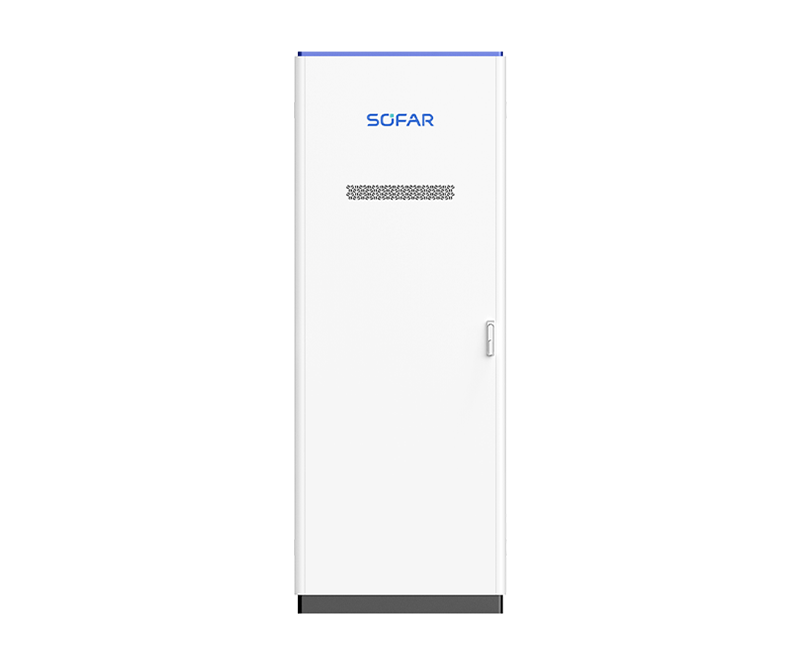
PowerAll (Single-phase)
3 / 3.68 / 4 / 4.6 / 5 / 6 kW; 5 / 10 / 15 / 20 / 25 / 30 kWh; Single-phase, Dual MPPT; Max. PV input current 16A
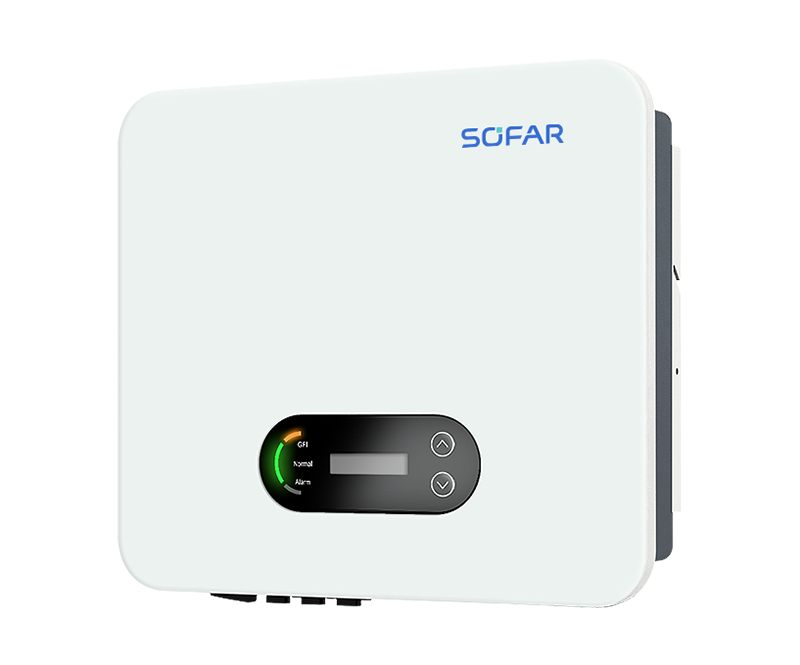
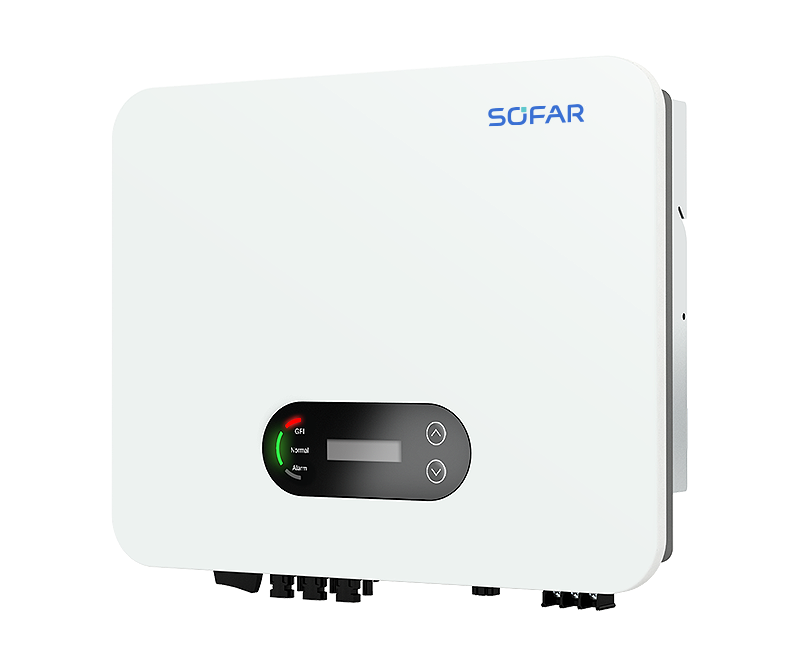
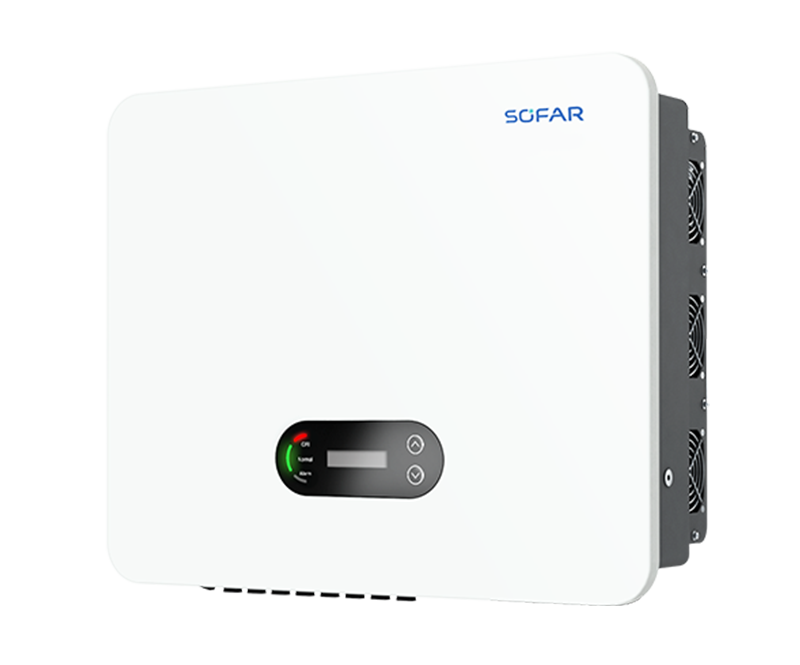
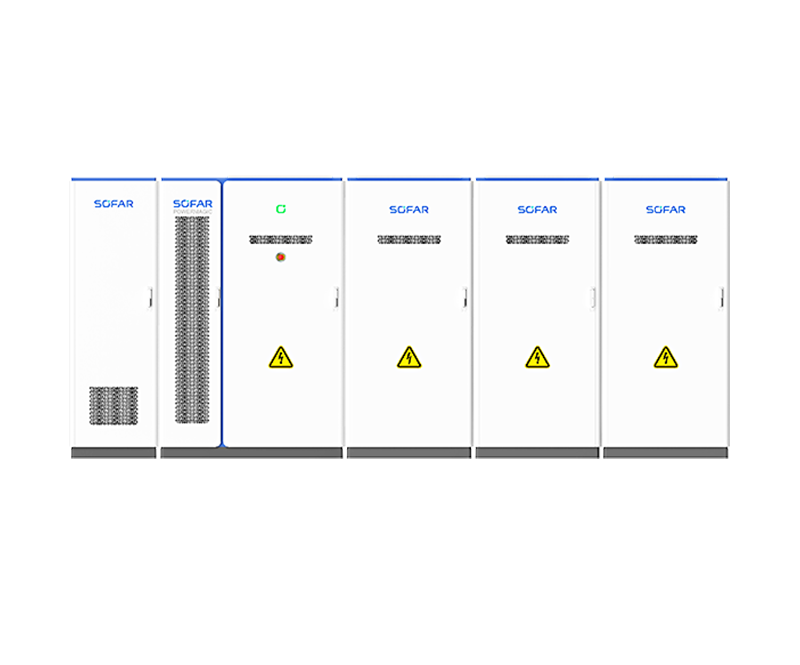
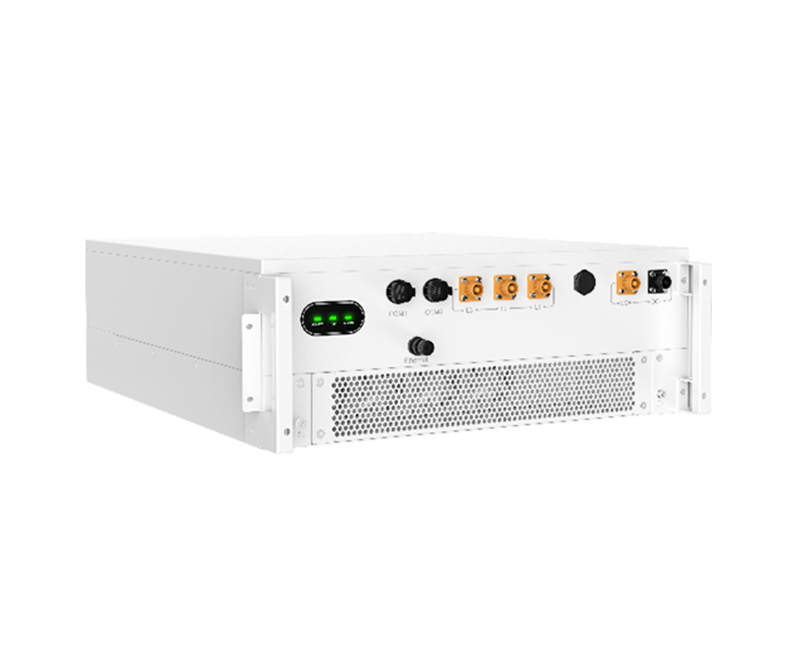
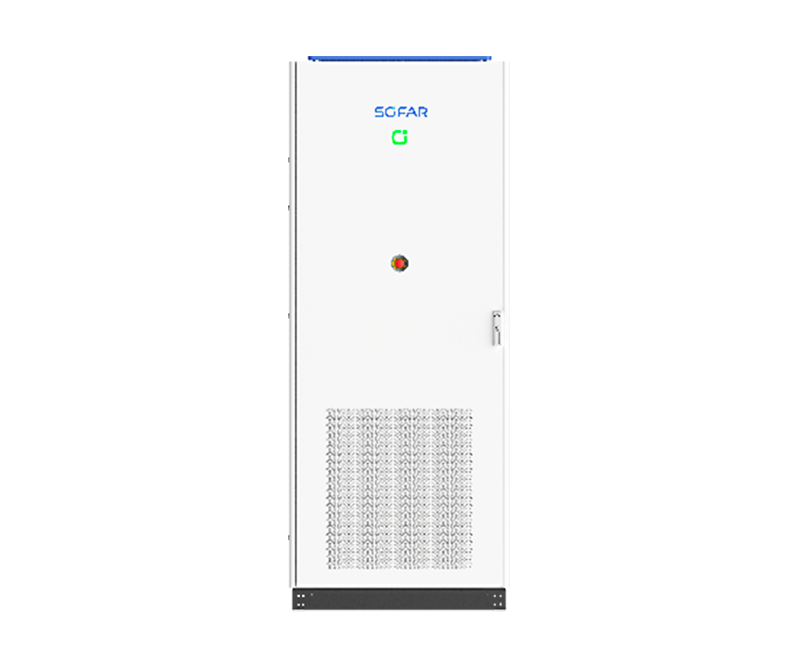
PowerAll (Three-phase)
5 / 6.5 / 8 / 9.9 / 10 / 12 KW; 5 / 10 / 15 / 20 / 25 / 30 kWh; Three-phase, three MPPT; Max. PV input current 20A
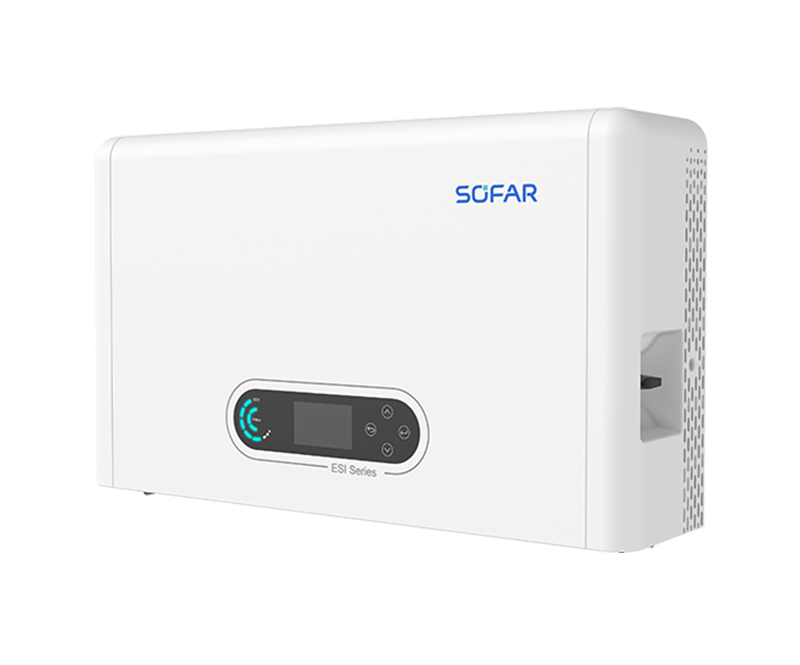
ESI 3-6K-S1
3 / 3.68 / 4 / 4.6 / 5 / 6 kW; 5 / 10 / 15 / 20 / 25 / 30 kWh; Single-phase, Dual MPPT; Max. PV input current 16A
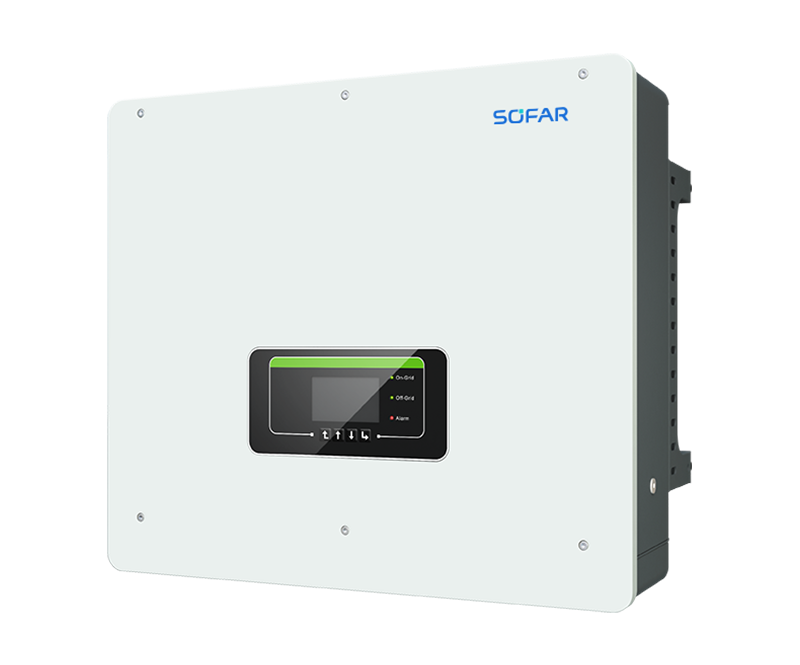
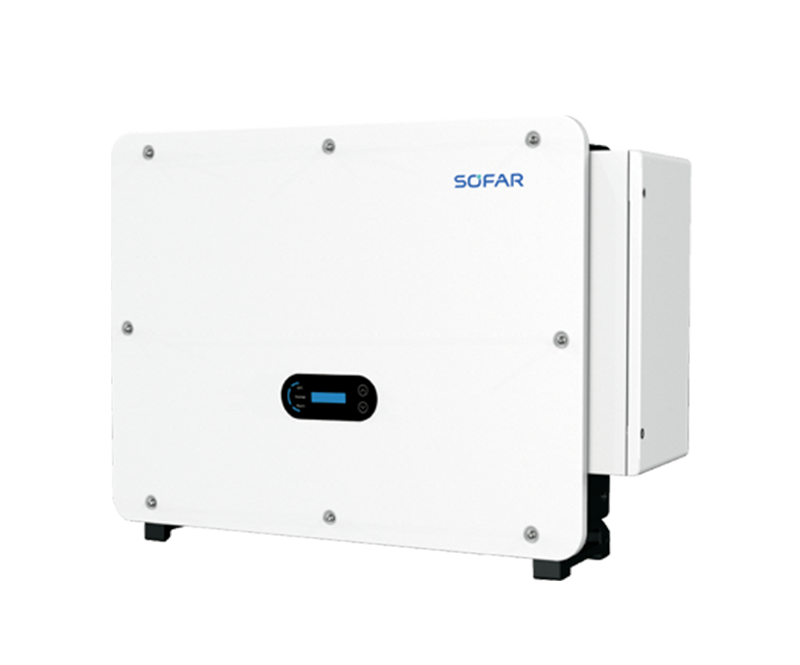
HYD 5-20KTL-3PH
5 / 6 / 8 / 10 / 15 / 20 kW; Three-phase, Dual MPPT; Max. charging and discharging current: 50A
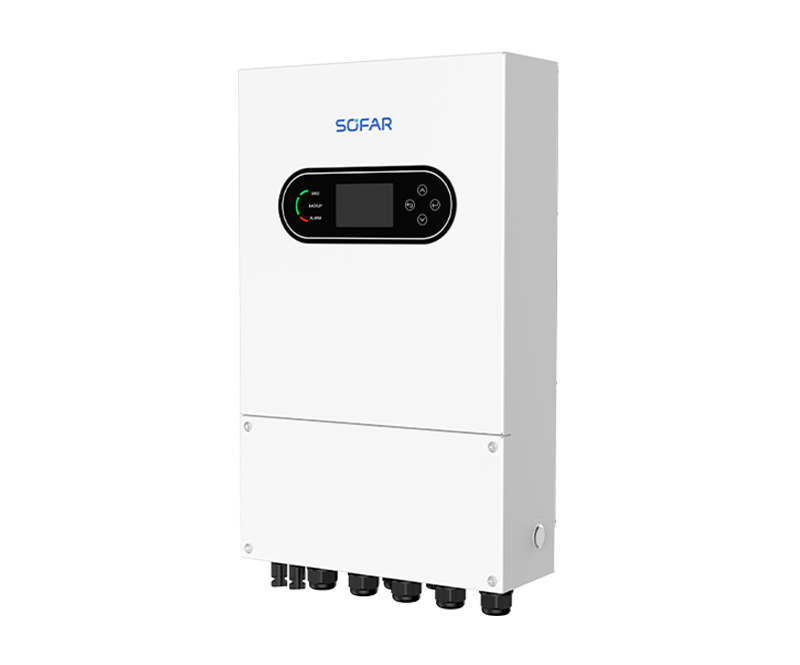
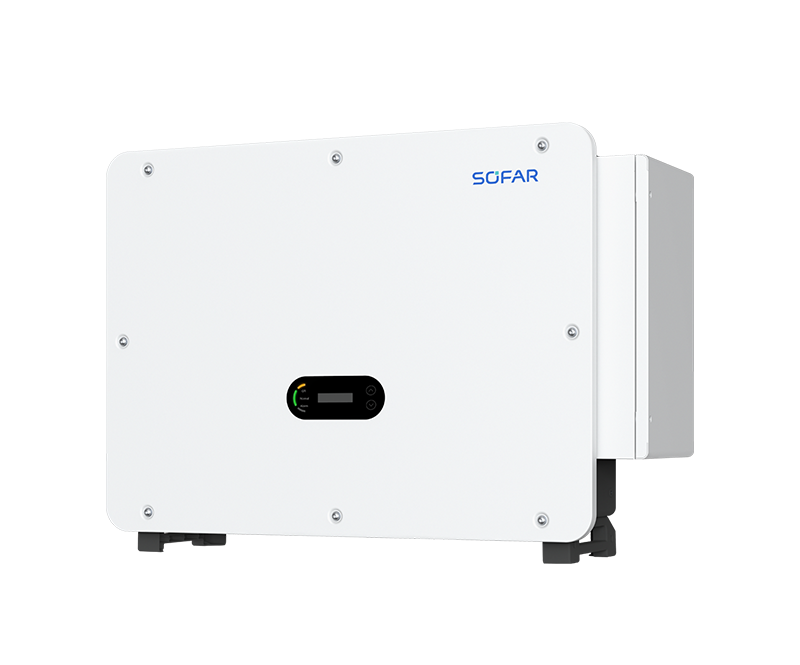
HYD-3-8K-LS1-PRO
3 / 3.6 / 4 / 4.6 / 5 / 6 / 7 / 7.6 / 8 kW; Single-phase, dual MPPT; Max. 32A DC input current; Work with Low-voltage Battery 40-60V
HYD-10K-LS1
10 kW; Single-phase, dual MPPT; Max. 40A DC input current; Work with Low-voltage Battery 40-60V
ESI-5-12K-T1
5 / 6.5 / 8 / 9.9 / 10 / 12 KW; 5 / 10 / 15 / 20 / 25 / 30 kWh; Three-phase, three MPPT; Max. PV input current 20A
EN
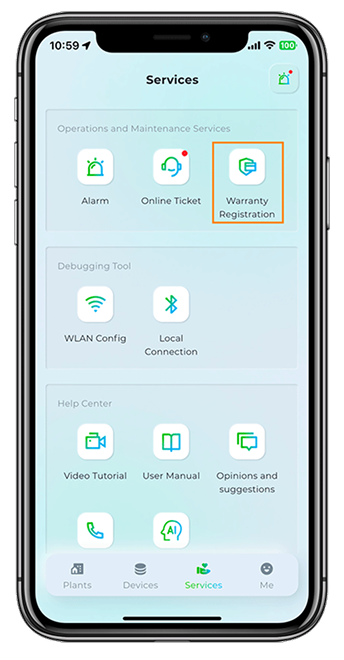
Warranty Notes
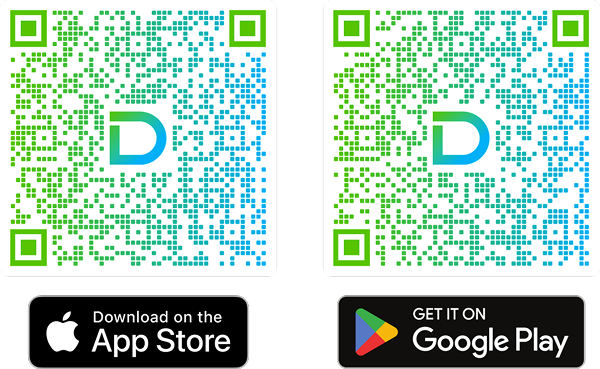
1. Warranty registration function is migrated to the official APP, please follow the QR code below to download and register.
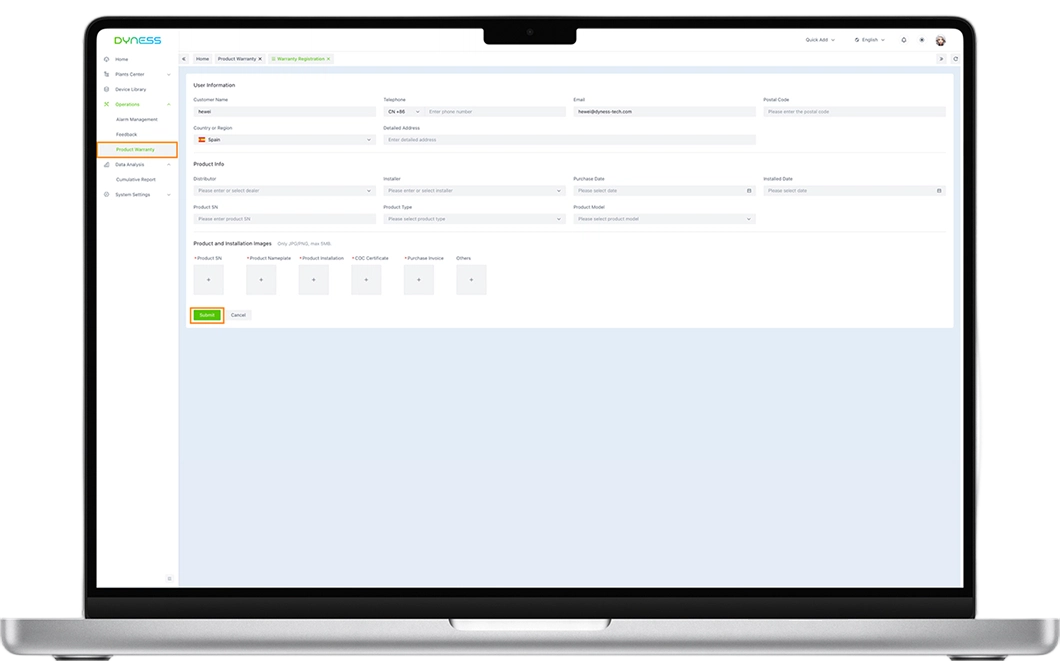
2. If you are not comfortable using the app, you can follow Method 2 (PC) in the instructions below to register.
3. Please fill in the form carefully and accurately. Successful registration will help you get a longer warranty period.
4. All registration information will only be used by your after-sales service and will not be shared with third parties.

Operation Guide (Recommend APP)
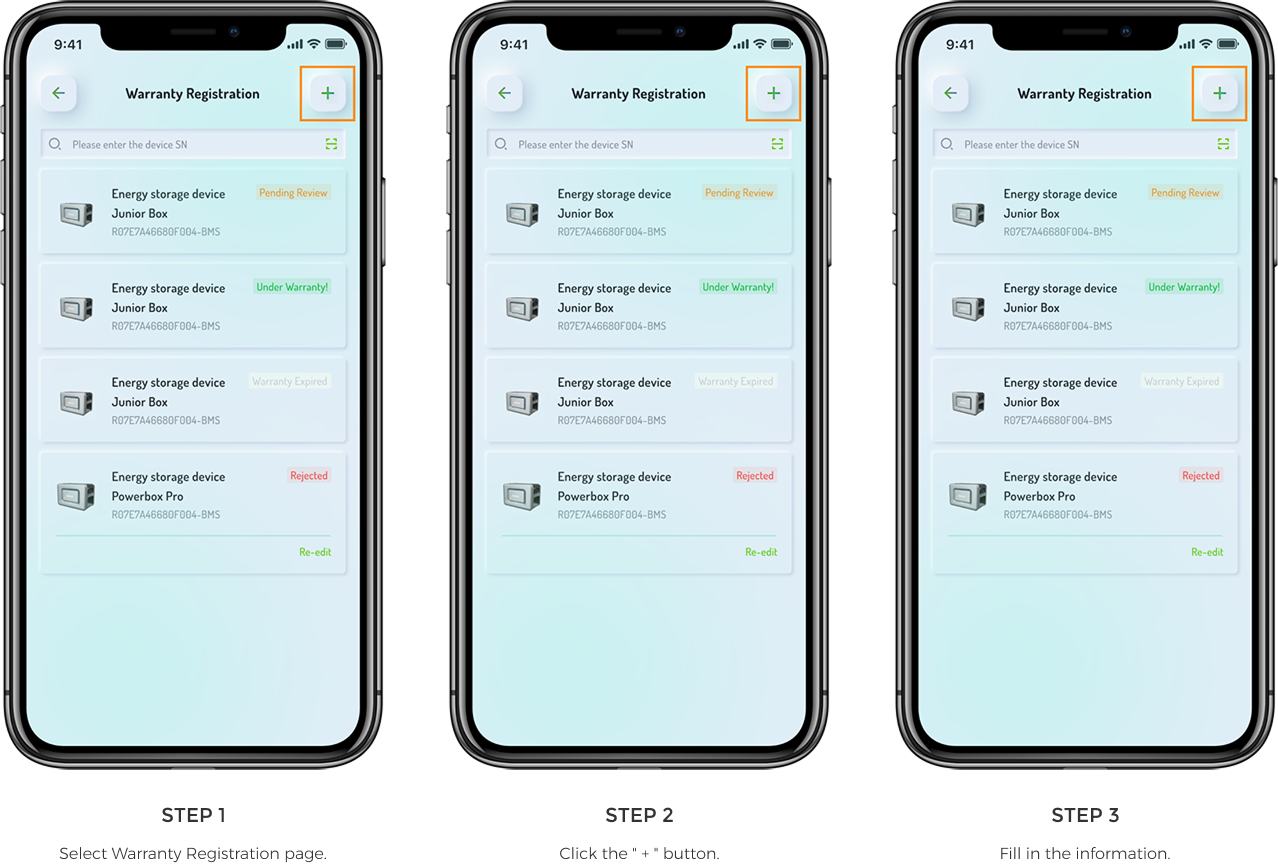
Once registration is completed, please follow these steps to complete your warranty registration.
Method 1 (For end user and partner)

Method 2 (For end user)
Access the following link via a browser and complete the information.
https://ems.dyness.com/login (For end user customer)

Extended Warranty Reminder
1. Only devices that have been warranty-registered and are under warranty are eligible for extended warranty.
2. The extended warranty will take effect only after purchasing the extended warranty service and obtaining approval from operation staff.
3. The image content and prices are for functional demonstration purposes only; the actual information shall prevail as displayed in the APP and Web terminal you use.
When your device is under warranty, please follow the steps below to complete the warranty extension.
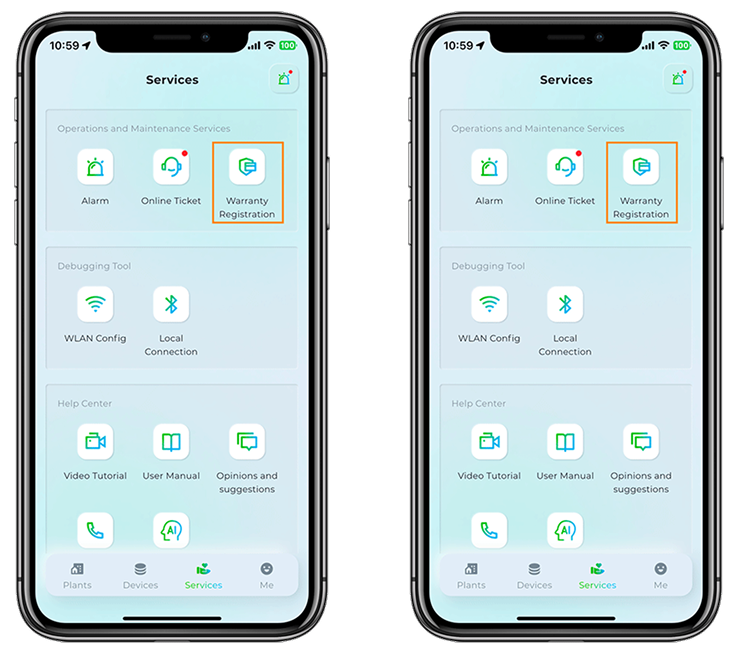
1. Function Entry


2. Function Entry
Option 1: For any device in the Warranty Registration List, click the "Warranty extension" button, fill in the information, and purchase the extended warranty service.


Option 2: For any device in the Warranty Registration List, click the "Warranty extension" button, fill in the information, and purchase the extended warranty service.